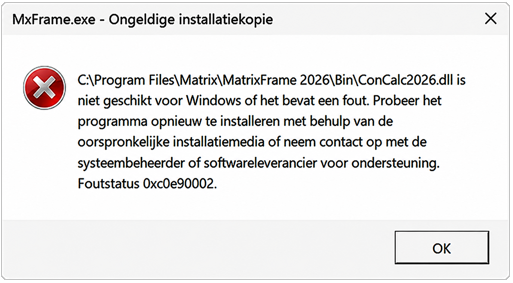
If, during installation, a message appears indicating that the software is not compatible with Windows or that the installation copy is invalid, this may have several causes:
Possible causes:
- Faulty or failing SSD/HDD
- Defective or unstable RAM
- Viruses modifying files
- Antivirus software blocking access to certain files
Recommended actions:
- Check the antivirus logs and quarantine for any blocked files
- Verify the health of the disk (e.g., using a disk check tool)
- Repair the Matrix Frame installation
- Reinstall both the x86 and x64 versions of the Visual C++ Redistributables (located in C:\Program Files\Matrix\MatrixFrame 2026\VCRedist) and restart the computer
Additional note:
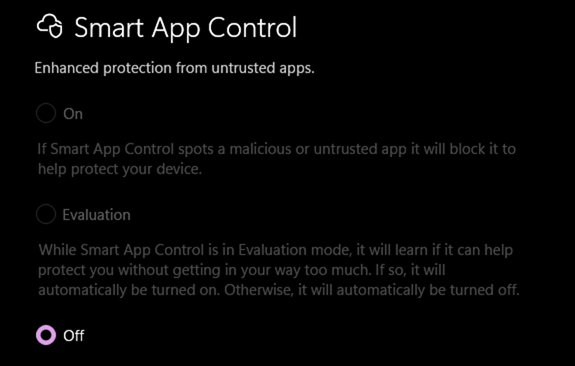
In some cases, the issue may be caused by Windows Smart App Control. Temporarily disabling or stopping this feature may allow the installation to complete successfully.